Fiber Laser
Copper Fiber Laser Cutting: Settings, Safety, and Mistakes to Avoid
Complete guide to cutting copper with a fiber laser: wattage needs, power/speed charts by thickness, back-reflection safety, and finishing tips.
Why copper is the hardest metal most fiber laser owners will ever cut
Copper has two properties that make it brutal on a laser cutter: it reflects up to 95% of near-infrared light at room temperature, and it conducts heat away from the cut zone faster than almost any other metal. Mild steel absorbs energy readily. Copper fights you the entire way. If you’ve tried running your stainless or aluminum settings on a sheet of copper and ended up with a scorched, half-cut mess (or worse, a fault code from your laser source), this is why.
The good news: copper cutting is very doable on modern fiber lasers, and the market for polished copper wall art, signage, and switch plates is strong precisely because so few shops offer it. This guide covers the wattage you actually need, starting settings by thickness, the safety issue every beginner overlooks, and how to get a clean edge instead of a dross-covered one.
Minimum wattage: don’t try this under 1000W
This is the single biggest factor in whether copper cutting is even realistic for your machine.
- Under 500W — Copper cutting is unreliable below 0.5mm and essentially not worth attempting. You’ll get inconsistent penetration and heavy heat-affected zones (HAZ).
- 1000W–1500W — Workable for copper up to about 1-1.5mm. This is the practical entry point for most small shops.
- 2000W–3000W — Comfortable cutting up to 3mm, with clean edges and manageable dross.
- 4000W+ — Needed for anything past 4mm, and even then expect slower speeds than equivalent steel cuts.
If your shop runs a 500W or 750W entry-level fiber laser, copper is going to be a frustrating material to add to your lineup. It’s worth being upfront with customers about this limitation rather than promising copper cuts you can’t deliver cleanly.
Starting settings by thickness
These are baseline numbers for a fiber laser with nitrogen assist gas — treat them as a starting point, not gospel, since beam quality, focus lens, and nozzle condition all shift the ideal numbers.
| Thickness | Power | Speed | Gas Pressure | Notes |
|---|---|---|---|---|
| 0.5mm | 70-80% | 6000-7000 mm/min | 12-14 bar N2 | Fast pass, watch for burn-through |
| 1.0mm | 85-95% | 3500-4500 mm/min | 14-16 bar N2 | Sweet spot for most 1kW machines |
| 1.5mm | 95-100% | 2200-3000 mm/min | 16-18 bar N2 | Needs 1.5kW+ for consistency |
| 2.0mm | 100% | 1500-2000 mm/min | 18-20 bar N2 | 2kW+ recommended |
| 3.0mm | 100% | 800-1200 mm/min | 20-22 bar N2 | 3kW+ needed, slower feed critical |
A few adjustments that matter more with copper than with steel:
- Focus position: Focus slightly below the surface (negative focus) rather than on top. This helps counter the reflectivity issue by concentrating energy deeper into the material before the beam scatters.
- Nitrogen purity: Use 99.999% nitrogen, not shop air or lower-grade gas. Oxidation on copper edges looks worse (dark red-brown discoloration) than on steel, and it happens faster.
- Pierce delay: Increase pierce time by 20-30% over what you’d use on equivalent-thickness steel. Copper takes longer to reach its melting point due to thermal conductivity.
The back-reflection problem — this is a safety issue, not just a quality one
Here’s the part most cutting guides skip: copper’s high reflectivity means a meaningful percentage of your laser beam bounces back off the material surface, especially at the start of a pierce before a hole has formed. That reflected energy travels back up through your optics.
Repeated exposure to back-reflection can damage the protective window, the focus lens, and in extreme cases the laser source itself. Some fiber laser manufacturers explicitly restrict or void warranty coverage for cutting bare copper and brass above certain power thresholds without additional protective measures.
Practical steps to reduce risk:
- Check your machine’s documentation for explicit copper/reflective-material guidance before you start. Some sources have a “reflective material mode” that ramps power more gradually during pierce.
- Use a fresh protective window — a pitted or dirty window is far more likely to be damaged by reflected energy.
- Avoid cutting highly polished, mirror-finish copper sheet directly — a light abrasive pass or matte-finish stock cuts more predictably and reflects less.
- Never cut copper on a machine explicitly rated only for “non-reflective materials” without checking with the manufacturer first.
This isn’t meant to scare you off copper — thousands of shops cut it safely every week — but it’s the one material where “just try your steel settings and adjust” is genuinely bad advice.
Finishing: getting rid of dross and oxidation
Copper dross is stickier and more color-visible than steel dross. A few finishing notes:
- Dross removal: A fine wire brush or light sanding (400-600 grit) removes most surface dross without dulling the polished look customers pay for.
- Discoloration: The heat-affected zone on copper often shows a rainbow or brown tint along the cut edge. Some customers like this “flame-painted” look; others want it removed. A quick pass with a copper-safe metal polish restores the shine if needed.
- Sealing: Bare copper tarnishes over time, especially outdoors. For garden art or exterior signage, recommend (or apply) a clear lacquer or wax sealant to slow oxidation — this is a common upsell for finished copper pieces.
Copper is a premium material — price it like one
Copper sheet typically costs 3-5x more than mild steel by weight and requires slower cut speeds, meaning more machine time per piece. When quoting copper jobs:
- Factor in the reduced cutting speed (often 40-60% slower than equivalent steel thickness)
- Price for the higher gas consumption at elevated pressures
- Charge a premium for the polish/finish step if you’re doing one
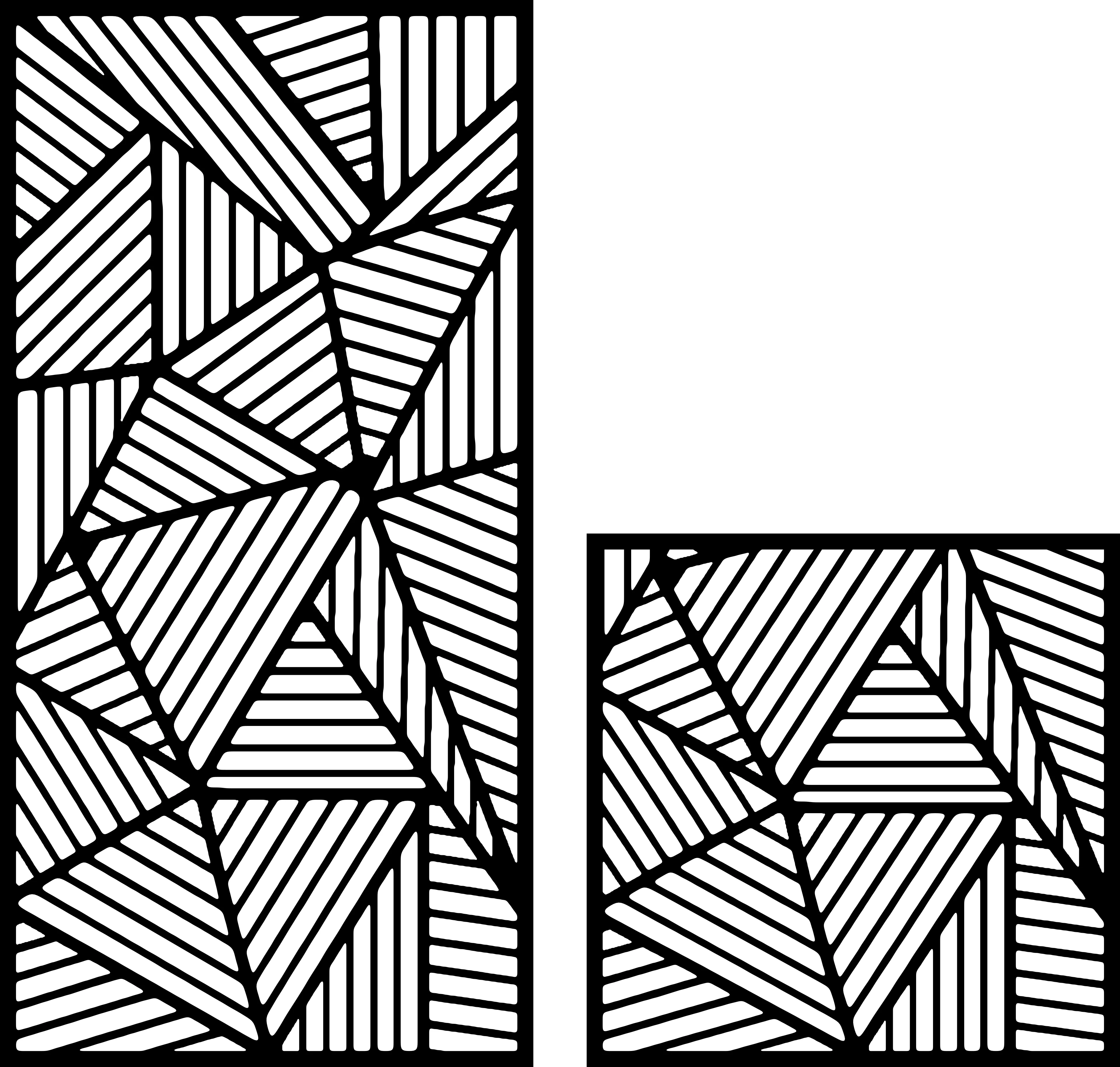
Copper wall art in particular commands strong prices on Etsy and at craft markets — the warm tone and patina potential make it desirable for indoor decor in a way that raw steel doesn’t always achieve. Geometric and abstract patterns with clean negative space tend to show off copper’s reflectivity best, since large open areas let the material’s color and sheen do the work rather than relying on fine detail that can get lost in the HAZ.
If you’re looking for designs that translate well to copper, patterns with bold, simple line work cut faster and show fewer dross artifacts than intricate filigree. Something like Abstract Wave Panel or Abstract Line Study works well because the geometry stays clean at slower copper-appropriate speeds. For a botanical option that still keeps enough negative space to cut efficiently, Botanical Leaf Silhouette is a solid pick, and Abstract Circles Composition gives you rounded profiles that hide minor edge inconsistencies better than sharp angles do.
Should you even offer copper cutting?
If your shop is at 1000W or above and you already do stainless or aluminum work, copper is a natural upsell — it’s a material most competitors avoid because of the learning curve above, which means less price competition. If you’re on a sub-1kW machine, it’s reasonable to simply not offer copper and steer customers toward brass or polished steel alternatives instead, which cut far more predictably at lower power.
Either way, test on scrap first. Copper’s behavior varies more between suppliers and finishes than steel does — a mill-finish sheet and a polished sheet from two different suppliers can need meaningfully different settings even at the same thickness.
Building out a copper-ready design library
Once your settings are dialed in, the fastest way to start selling copper pieces is with designs you already know cut cleanly at slower speeds. Browse the full Abstract collection alongside Botanical patterns to find geometry with the kind of open, bold lines that suit reflective metals — or grab the Full Access Bundle for lifetime access to every current and future design, so you’re never stuck searching for the right file when a customer requests a custom copper piece.
Designs mentioned in this article


More articles
House Signs
10 Best DXF Designs for Modern House Signs & Address Plaques
Curated list of the 10 best DXF designs for house signs and address number plaques. Modern styles, material recommendations, install tips. Ready to cut on fiber laser or plasma.
June 8, 2026
Wall Clocks
10 Best DXF Designs for Metal Wall Clocks (Laser & Plasma Cut)
Discover the 10 best DXF wall clock designs for laser and plasma cutting, plus motor sizing, hole specs, and material tips to sell them fast.
August 27, 2026
Design Roundup
10 Best DXF Designs for Modern Fence Panels (Fiber Laser & Plasma)
Hand-picked DXF designs that look stunning as decorative fence inserts. Cut on fiber laser or plasma in 2-3 mm steel, no rescaling needed, ready in 30 minutes.
May 24, 2026