Fiber Laser
Fiber Laser vs CO2 Laser — Which One Cuts Your DXF Files Better?
Practical comparison of fiber laser and CO2 laser cutting for hobbyists and small shops. Cut speeds, materials, costs, and which one is right for your DXF design files.
If you’re shopping for your first laser cutter — or trying to figure out which DXF designs will run cleanly on the machine you already have — the fiber laser vs CO2 laser question is the one that will define everything else: what materials you can cut, how fast, how clean, and how much it’ll cost you per finished piece.
This guide is the no-nonsense version. We cut on both fiber and CO2 every week at DXFForge, and below is what we’d tell a friend asking which one to buy.
The 30-second version
| Question | Fiber laser | CO2 laser |
|---|---|---|
| Best for metal (stainless, mild steel, aluminium, brass) | ✅ Yes | ❌ Not really |
| Best for wood, MDF, acrylic, leather, paper | ❌ No | ✅ Yes |
| Cut speed on 2 mm steel | Very fast | Slow / impossible |
| Edge quality on metal | Excellent (mirror-like with O2) | N/A |
| Upfront cost (1-2 kW class) | $7,000 – $25,000 | $2,000 – $8,000 |
| Running cost per hour | Low (no gas mirrors, cheap fibre) | Medium (tubes wear out) |
| Maintenance | Almost none | Periodic alignment, lens cleaning |
If you only remember one line: fiber lasers cut metal, CO2 lasers cut everything else. There’s overlap, but each tool dominates its own zone.
How they actually differ
A fiber laser uses a solid-state diode array to pump light into a doped optical fibre. The result is a tightly focused 1.06 µm beam that metals absorb very efficiently (reflective metals like aluminium and copper especially love this wavelength, where a CO2 laser at 10.6 µm just bounces off).
A CO2 laser excites a gas mixture in a sealed tube. Its 10.6 µm wavelength is absorbed beautifully by organic and translucent materials — wood, acrylic, paper, leather, cloth — and reflected by shiny metals.
That single wavelength difference is what makes them complementary instead of competitive.
Materials cheat sheet
Fiber laser strengths
- Stainless steel 0.5 – 6 mm (1-2 kW class) — clean kerf, single-pass
- Mild steel 0.5 – 8 mm — clean cut, can use O2 assist for speed
- Aluminium 0.5 – 4 mm — needs N2 assist for clean edge
- Brass / copper 0.5 – 3 mm — only fiber can cut these reliably
- Galvanized steel — fine, but ventilate (zinc fumes)
CO2 laser strengths
- Plywood / MDF 3 – 18 mm — beautiful charred edge
- Acrylic (PMMA) 2 – 25 mm — fiber-flame-polished edges from CO2 are legendary
- Hardwood / softwood — virtually any solid wood
- Leather — clean burn, no fraying
- Paper / card / cork — fast, accurate
- Fabric — yes, but only the synthetic-friendly ones
Things neither does well
- PVC — releases chlorine gas. Don’t.
- Reflective polished mirrors — even fiber needs a tilt
- Foamed PVC / vinyl — same chlorine issue
- Thick (>25 mm) wood — possible with high-wattage CO2, but slow
How our DXF designs work on each
Every DXFForge file is fiber laser optimised — clean continuous geometry, single-pass cut paths, no overlapping lines, no stray closed shapes inside cuts. That means:
- On a fiber laser: drop the
.dxfstraight into LightBurn or EZCAD. Use the same settings you’d use for any 1 – 2 mm stainless cut: 500 – 1000 W power, 50 – 100 mm/s feed, single pass, ~0.1 mm kerf. Cuts to file size, no compensation needed. - On a CO2 laser: same files work, but you’ll be cutting wood or acrylic instead of metal. Tested on 3 mm plywood at typical 60 W hobby-laser power. Also runs well on 3 – 6 mm MDF and 3 mm acrylic.
The .svg is included in every pack for Glowforge, xTool, and similar consumer CO2 machines that prefer SVG input.
Cost reality check
People always ask: “Is the extra cost of fiber worth it?”
The honest answer is: it depends entirely on what you’re cutting.
- If you sell metal signs, decorative steel panels, fence inserts, machine guards — fiber pays for itself in 3-6 months at any non-trivial volume because nothing else cuts metal that cleanly. Plasma cuts metal too but the edge is rough and the kerf is wide.
- If you sell wood wall art, acrylic display pieces, leather goods, custom invitations — a CO2 laser at a quarter of the price will do everything you need.
- If you sell both — get a CO2 first (lower entry cost, more versatile for hobby start), then add fiber when metal demand justifies it.
Common mistakes
- Trying to cut metal on a low-wattage CO2. Won’t happen. CO2 needs 150 W+ and even then you’re slow and dirty.
- Trying to engrave bare aluminium with hobby fiber. A 20 W fiber engraves great, but for cutting aluminium you need 1 kW+.
- Buying the cheapest no-name fiber. The optics are 90% of the machine. A $7K reputable brand will outlast a $4K knockoff by years.
- Ignoring assist gas. Compressed air for plain cuts is fine. But for clean edges on stainless or aluminium, you need O2 or N2.
- Skipping kerf compensation. Fiber kerf is ~0.1 mm. CO2 kerf is ~0.15-0.3 mm depending on material. Tight inner cuts need this dialled in.
Recommended designs to start with
If you’re testing a new fiber laser, these three are the easiest “first cuts” — all clean geometry, scalable, look great on 1 – 2 mm stainless:
- ABS-01 — Contemporary Wall Panel. A modern grid-shard pattern. Tests both straight cuts and small inner geometry.
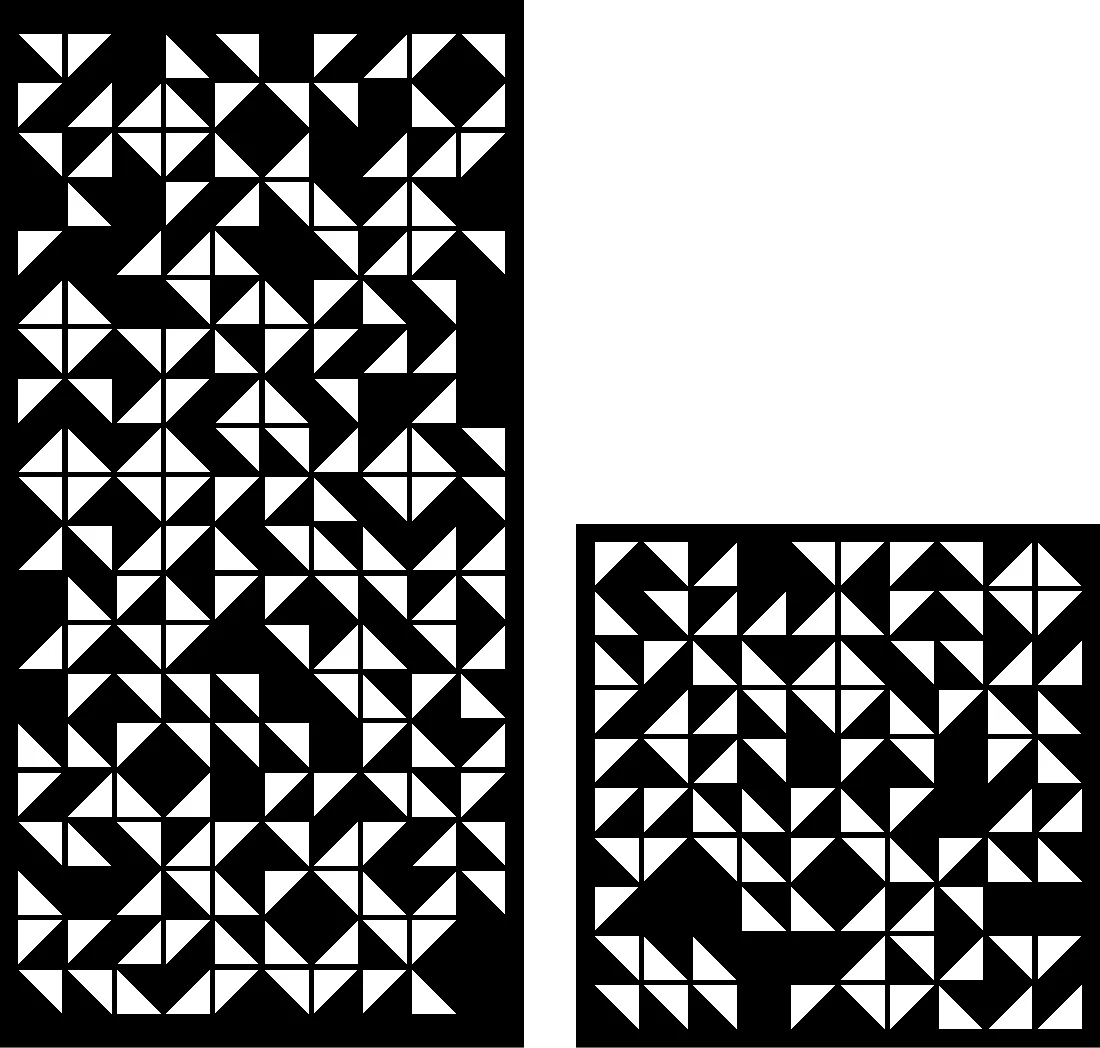
- GEO-15 — Geometric Composition. Repeating triangles in a tight grid. Stress-tests kerf compensation.
- BOT-05 — Botanical Panel. Organic curves and small details. Good test for arc resolution on your machine.
Pop the .dxf into your software, scale to 600 mm tall, run it. You’ll know inside one cut how clean your machine is.
Bottom line
Fiber is the metal tool. CO2 is the wood / acrylic / leather tool. Neither replaces the other.
If you only have budget for one and aren’t sure which: think about what your customers will buy from you, not what you find cool to cut. Most weekend hobbyists end up with CO2. Most small fabrication shops end up with fiber.
Either way, every DXFForge design works on both — pick the machine that matches your market, and the files just run.
Designs mentioned in this article


More articles
House Signs
10 Best DXF Designs for Modern House Signs & Address Plaques
Curated list of the 10 best DXF designs for house signs and address number plaques. Modern styles, material recommendations, install tips. Ready to cut on fiber laser or plasma.
June 8, 2026
Wall Clocks
10 Best DXF Designs for Metal Wall Clocks (Laser & Plasma Cut)
Discover the 10 best DXF wall clock designs for laser and plasma cutting, plus motor sizing, hole specs, and material tips to sell them fast.
August 27, 2026
Design Roundup
10 Best DXF Designs for Modern Fence Panels (Fiber Laser & Plasma)
Hand-picked DXF designs that look stunning as decorative fence inserts. Cut on fiber laser or plasma in 2-3 mm steel, no rescaling needed, ready in 30 minutes.
May 24, 2026